Follow us:

WordPress.com looks like a dream: no hosting hassles, no setup headaches, and you can start for free. But once your site starts to grow, you’ll quickly hit walls you might not expect. In this article, we’ll uncover the main limitations of using WordPress.com—and help you decide whether it’s right for your project or business.
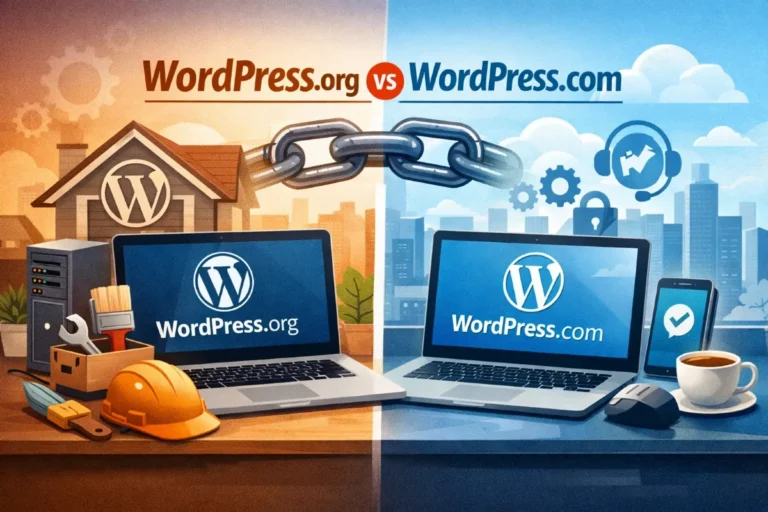
WordPress.org vs WordPress.com: Know the Difference
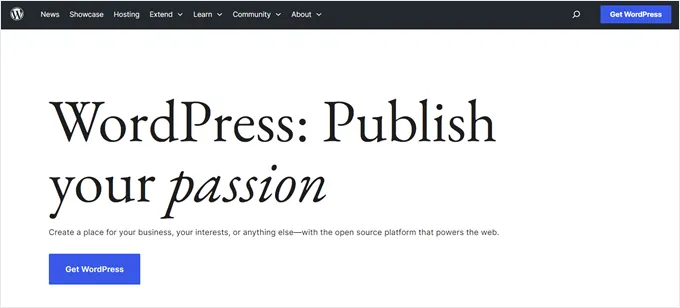
Before diving into the drawbacks, it’s important to understand the split between WordPress.org (self-hosted) and WordPress.com (hosted).
- WordPress.com is a hosted service run by Automattic. Hosting, security, and many of the technical details are handled for you—but with trade-offs.
- WordPress.org is the original open-source software. You download it, host it wherever you like, and customize it freely.
Now, let’s explore those trade-offs in detail.
1. Limited Plugin Access
One of WordPress’s greatest strengths is its vast library of plugins. With the self-hosted version (WordPress.org), you can install any free or premium plugin to add features like contact forms, analytics, e-commerce tools, or membership systems.
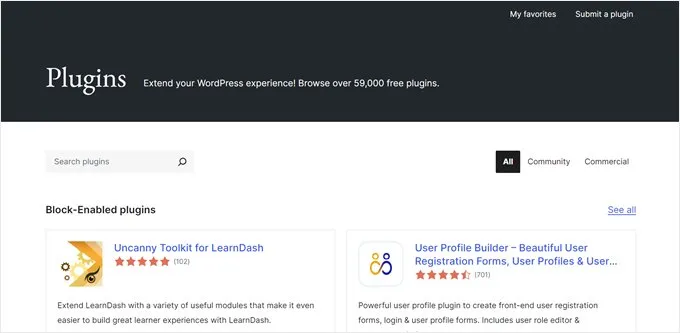
On WordPress.com, however, this flexibility is locked behind higher-tier plans. Free and lower-cost plans don’t allow third-party or custom plugins. That means you’re stuck with the built-in features until you upgrade to something like the Business plan.
2. Restrictions on Themes and Design
Design freedom is another area where WordPress.com holds you back. While the platform provides a collection of themes, you can’t upload your own custom theme unless you’re on a paid plan.
Even simple customization like adding advanced CSS or editing theme code is off-limits on lower plans. If you want a site that looks unique or branded specifically for your business, you’ll need to invest in one of the higher-priced options—or switch to WordPress.org, where theme control is unlimited.
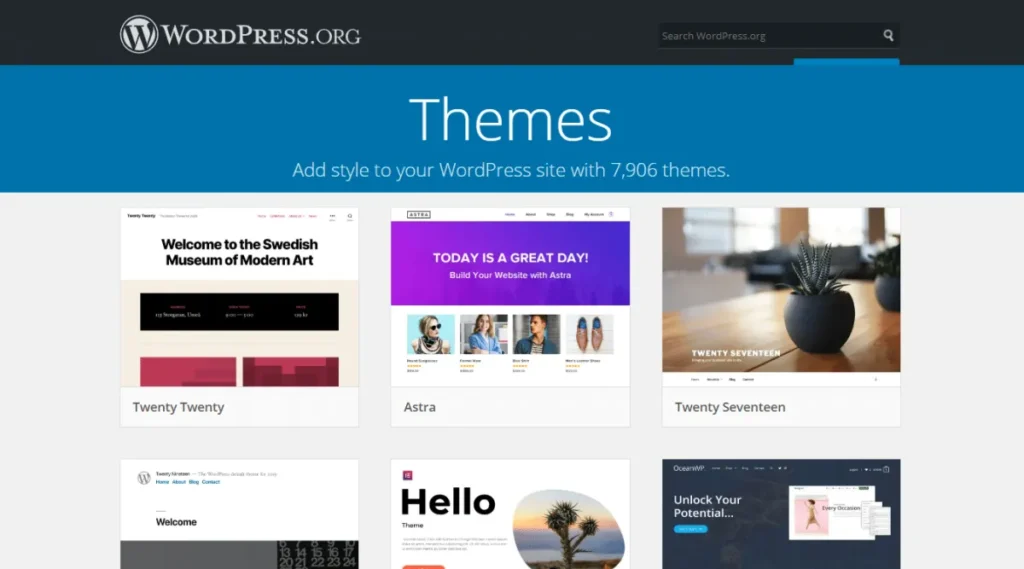
With WordPress.org, you will have the freedom to pick from more than 13,000 free themes or install a premium theme of your choice.
3. E-Commerce Comes with a Price Tag
Thinking about running an online store? WordPress.com only unlocks full e-commerce features with its Commerce plan or higher. These premium tiers allow you to add unlimited products, access store-specific themes, and integrate multiple payment methods.
For small businesses or entrepreneurs, this cost can be a hurdle. By contrast, on self-hosted WordPress site, you can install WooCommerce for free and start selling products immediately. You only pay for your hosting and domain.
4. Weaker SEO Control
Search engine optimization is vital for attracting traffic, but WordPress.com gives you limited tools unless you upgrade. Basic SEO like editing titles, tags, and alt text is possible, but advanced settings—meta descriptions, custom schema, internal linking, and specialized SEO plugins—are restricted to higher plans.
For businesses relying on organic search, this limitation can seriously stunt growth.
5. Monetization Restrictions
If your goal is to make money from your site, you’ll encounter more limitations. WordPress.com restricts advertising options, affiliate links, and advanced payment systems. Its own ad program, WordAds, is only available on Premium plans and above.
On top of that, some transactions include commission fees, cutting into your revenue. By contrast, self-hosted WordPress gives you full control over ads, affiliate links, memberships, and other revenue streams without platform-imposed restrictions.
6. Risk of Suspension
Another concern is the strict Terms of Service enforced by WordPress.com. If your site violates their policies, even unintentionally, it can be suspended with little warning. Some rules are broad or vague, leaving room for interpretation.
With a self-hosted WordPress.org site, you’re in charge. Unless you violate your web host’s terms, you don’t risk sudden shutdowns due to unclear restrictions.
7. Branding Limitations
Free and low-cost WordPress.com plans carry visible platform branding. For example, your site may display ads placed by WordPress.com, and your domain will include “.wordpress.com” unless you pay for a custom domain.
You can customize your site’s appearance to some extent, including changing the color scheme, adding a custom logo, and customizing the site’s layout.
However, for Free and Personal plans, the level of customization is limited. Depending on how you change the theme’s style, you may get a notification that you are using a premium style and have to upgrade to use it.
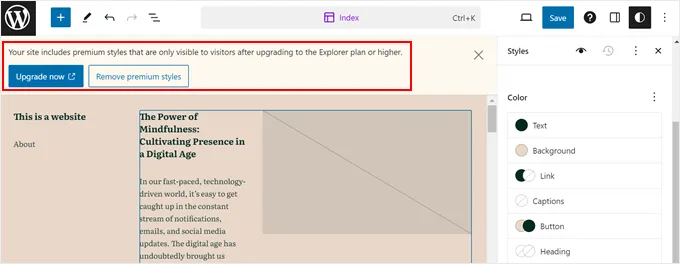
Even at mid-level paid tiers, some branding controls remain restricted. To create a fully professional and ad-free site, you’ll either need to pay more for upgrades or move to self-hosting, where you own your branding from day one.
When WordPress.com Actually Works Well
Despite its limits, WordPress.com is not without value. It’s a good choice if:
- You’re building a personal blog or hobby site.
- You want something quick, easy, and maintenance-free.
- You don’t need advanced design, plugins, or monetization.
- You’re willing to pay more later if your site grows and needs extra features.
Should You Consider WordPress.org Instead?
If you plan to scale, customize, or monetize seriously, then self-hosting with WordPress.org is a better option. You’ll gain:
- Unlimited access to plugins and themes.
- Full control over monetization methods.
- Stronger SEO and customization capabilities.
- Freedom to choose hosting providers and budgets.
Migration from WordPress.com to WordPress.org is also possible if you’ve already started on the hosted platform.
Final Thoughts
WordPress.com offers simplicity and ease, which makes it great for beginners and casual users. But simplicity comes at a cost: limited control, restrictions on growth, and higher expenses as you scale.
If your goal is long-term growth, serious monetization, or a fully customized site, starting with WordPress.org may save you time, money, and frustration down the road.
wordpress.com confused me with wordpress.org. That’s why I hate it ever since. Thank you for pointing out its limitations.